
Hide and lock Telegram chats — password, PIN or fingerprint
Keep chosen conversations away from prying eyes.
Lock & Hidden Folder is one of the feature groups Chitgram adds on top of Telegram for Android. It includes 6 features: Hidden chat folder, Removed from search, Lock any single chat, Two password modes, Passwords stored encrypted, Fingerprint unlock.
No Google Play? Download the APK directly · 79.2 MB
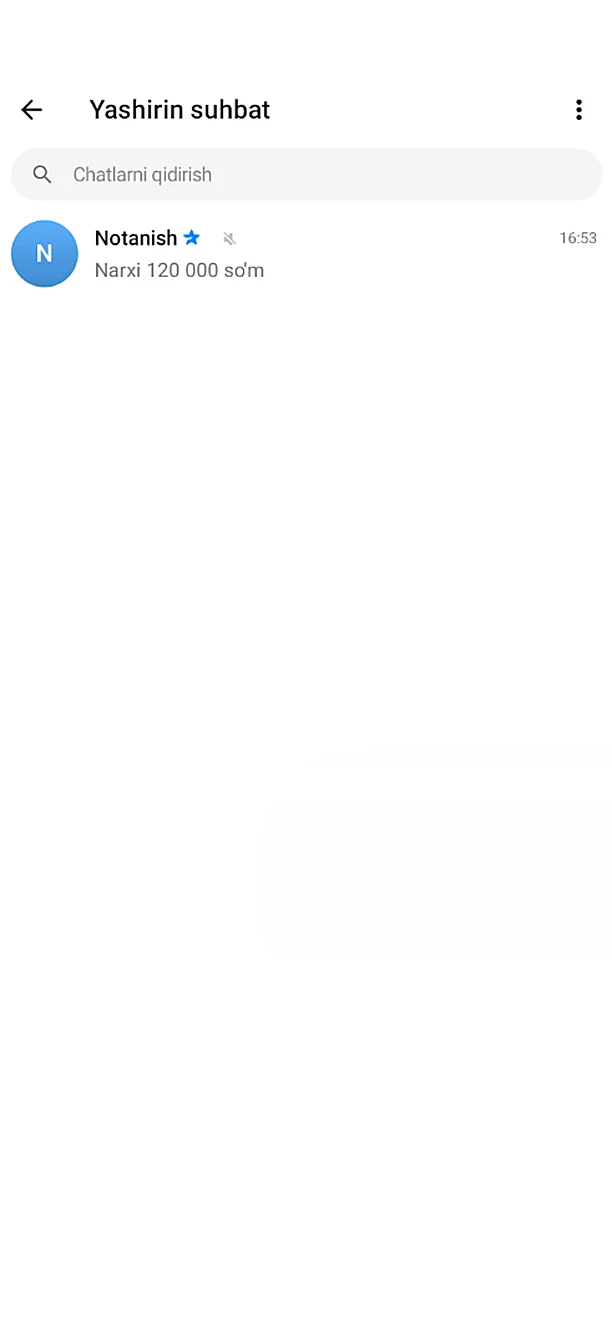
What's included: Lock & Hidden Folder
- Hidden chat folderHide chats in a locked folder with a password, PIN or fingerprint.
- Removed from searchHidden chats never show in search, recents or suggestions.
- Lock any single chatProtect just one chat with a password.
- Two password modesOne shared password for several chats, or a separate password per chat.
- Passwords stored encryptedPBKDF2 hashing — never written in plain text anywhere.
- Fingerprint unlockBiometrics instead of a password.
How to get it
Install Chitgram from Google Play, sign in with your Telegram account and open Chitgram settings — Lock & Hidden Folder is there, ready to use. Your chats and contacts stay exactly as they are in Telegram.
More Chitgram features
Message History
Edited and deleted messages don't disappear.
Learn moreStories
Full control over stories.
Learn moreTranslate, Voice & Text
Communicate without typing and without a translator.
Learn moreAuto Replies & Join Requests
Works even while you are away.
Learn moreFolders & Navigation
Your chat list, organized your way.
Learn moreBottom Tab Bar
Shape the bottom navigation to your habits.
Learn more
Get Chitgram.
Free on Google Play, with automatic updates. Prefer a file? The official APK is here too.
No Google Play? Download the APK directly · 79.2 MB